Creating a cozy and inviting home workspace can make a significant difference in productivity and overall well-being, especially when working remotely. A well-designed workspace not only helps you stay focused but also makes your work hours more enjoyable. Whether you have a dedicated room or just a small corner, these tips will guide you in making your home office a comfortable and welcoming environment.
Choose the Right Location
Maximize Natural Light
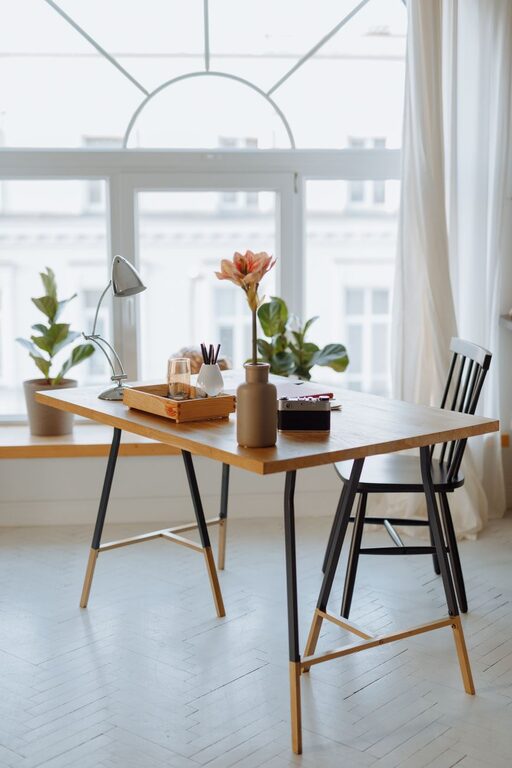
Natural light improves mood and reduces eye strain. Position your desk near a window if possible. If natural light is limited, invest in quality lighting that mimics daylight. Desk lamps or floor lamps with adjustable brightness can enhance your workspace without harsh glare.
Minimize Distractions
Select a spot with minimal noise and foot traffic. If this isn’t an option, noise-cancelling headphones or a white noise machine can help block distractions and create a peaceful atmosphere.
Invest in Comfortable Furniture
Ergonomic Chair and Desk
Comfort is key for long hours of work. Choose an ergonomic chair that supports your back, and a desk at the right height to maintain good posture. Adjustable chairs and desks can be particularly helpful to customize your setup.
Personal Touches
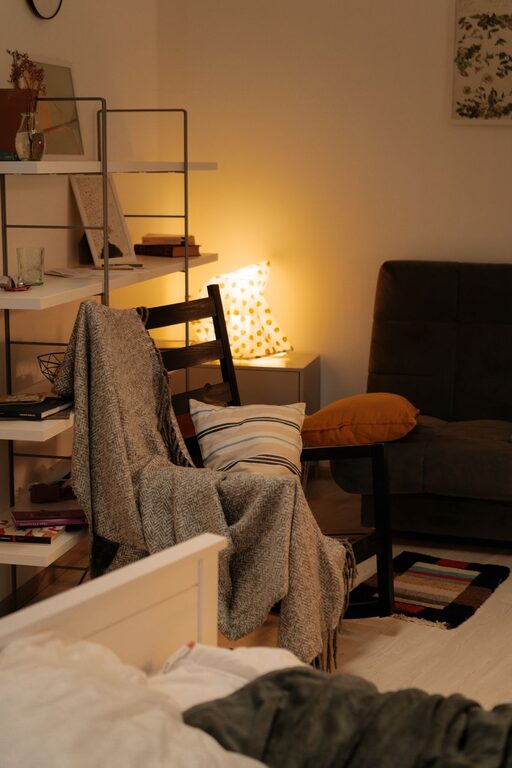
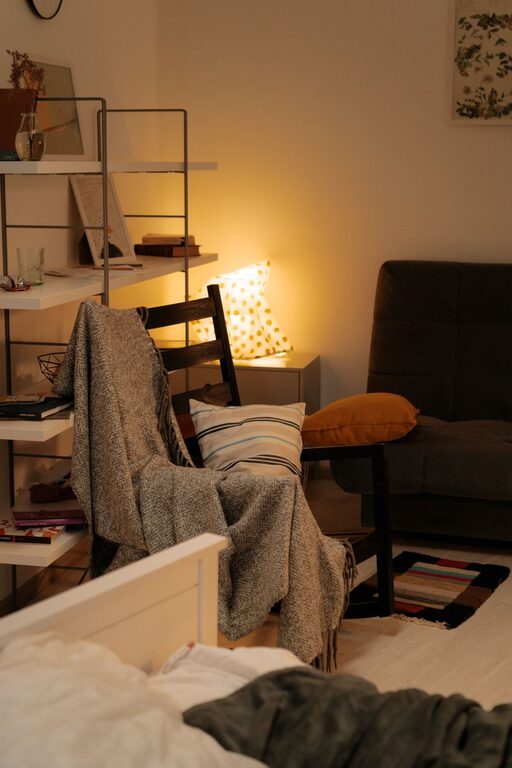
Add cushions or a soft throw blanket to your chair for extra comfort and a homey feel. A comfortable space invites you to work without stress.
Organize with Functionality in Mind
Declutter Regularly
A clean workspace promotes focus and reduces anxiety. Use storage solutions like shelves, baskets, or drawer organizers to keep your desk tidy.
Use Vertical Storage
If space is limited, vertical storage options such as wall shelves or pegboards help keep essentials within reach without taking up valuable desk space.
Add Cozy and Inviting Elements
Soft Textiles
Incorporate rugs, curtains, or cushions in soft textures and neutral tones to create warmth and softness in the room.
Indoor Plants
Plants not only brighten a room but also improve air quality. Choose low-maintenance options like succulents or spider plants for your desk or shelves.
Personal Decor
Include photos, artwork, or inspiring quotes on your wall to create a personalized atmosphere that motivates you.
Pay Attention to Lighting
Layered Lighting
Use a combination of ambient, task, and accent lighting to create a balanced environment. Overhead lights provide general illumination, while desk lamps focus light where needed for reading or computer work.
Avoid Glare
Position screens and lighting to reduce glare and eye strain. Anti-glare screen protectors and adjustable blinds or curtains can help control light levels.
Keep Technology User-Friendly
Manage Cables
Use cable organizers or clips to keep cords out of sight and prevent clutter. This not only looks better but also makes cleaning and movement easier.
Invest in Quality Equipment
Good quality keyboards, mice, and monitors can improve comfort and efficiency. Consider wireless options to reduce cable clutter.
Create a Routine and Relaxation Zone
Establish Boundaries
Set clear work hours and create a ritual that signals the start and end of your workday, such as lighting a candle or playing calming music.
Add a Relaxation Space
If possible, place a comfortable chair or small sofa nearby where you can take breaks, stretch, or read. Short breaks in a cozy corner help refresh your mind.
Final Thoughts
Designing a cozy and inviting home workspace doesn’t require a big budget or a large area. By focusing on comfortable furniture, organization, natural elements, and personal touches, you can create a space that supports your work and well-being. Remember, the best workspace is one that feels welcoming and inspires you to stay productive and happy throughout your day.
About the Author